 Mosaic Post
 How to Hide Other People's Faces in Social Media & YouTube Posts (Portrait Rights & Privacy Basics)
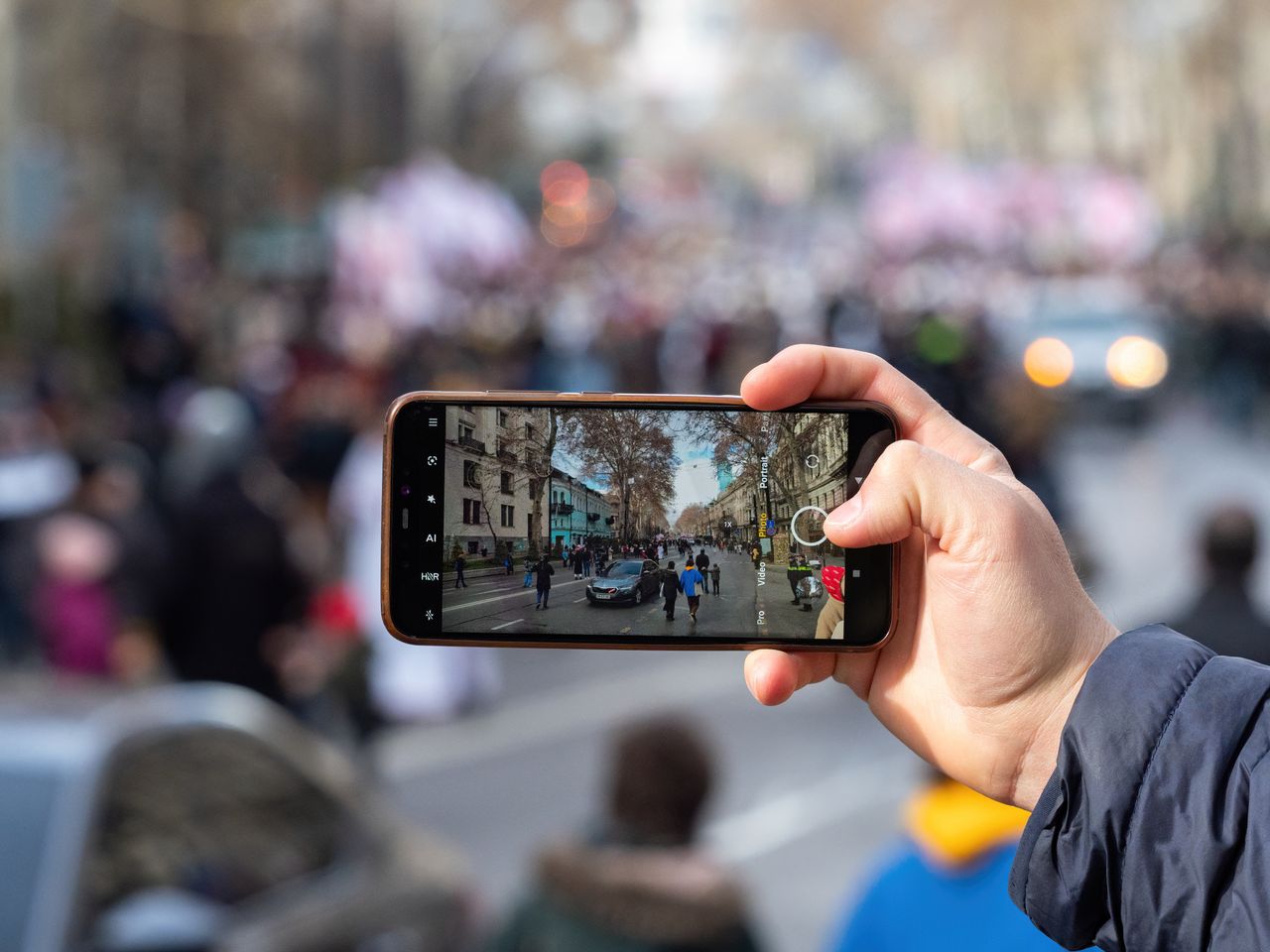
Videos of street walks and events inevitably catch other people in the frame. If you ever pause before posting and wonder, “Should I hide that face?”, start with the fundamentals.
This article is a general overview, not legal advice. For specific situations, consult an attorney or the appropriate legal authority in your jurisdiction.
Key takeaways
- Courts recognize a personal-interest right (portrait rights) not to have one’s likeness photographed without good reason. (This is established Japanese case law — see the Supreme Court of Japan judgment of November 10, 2005.)
- Whether something is unlawful is judged by weighing the place, purpose, and manner of filming together, and whether it exceeds the limits of what one must reasonably tolerate in social life.
- Footage that can identify a specific individual may constitute personal data (per Japan’s Personal Information Protection Commission).
- The most reliable step before posting is simply to hide faces so individuals can’t be identified.
What are portrait rights?
Portrait rights are recognized in case law as a personal interest in not having your face or figure photographed and published without consent. Japan’s Supreme Court held that a person has a legally protectable personal interest in not having their likeness photographed without good reason (Supreme Court of Japan, judgment of November 10, 2005; Minshu Vol. 59, No. 9, p. 2428). It likewise held that the interest in not having one’s photograph published without good reason is protected.
A distinctive point is that there is no statute that defines portrait rights head-on — they are recognized through case law like the above.
Legality is judged by the “limit of tolerance”
The same judgment holds that whether filming is unlawful (a tort) is decided by weighing factors together, such as the following. The idea is that an infringement arises when filming exceeds the limits of what one must reasonably tolerate in social life.
- The social standing of the person filmed
- The nature of the activity being filmed
- The place of filming
- The purpose of filming
- The manner of filming
- The necessity of filming
In other words, it’s neither “always OK because it’s a public place” nor “always not OK if someone is in the shot” — it’s case by case. That said, since social media and YouTube can be seen by an unspecified mass audience and spread easily, it never hurts to be cautious.
The data-protection angle
Footage that can identify a specific individual may qualify as personal data (per Japan’s Personal Information Protection Commission FAQ). When a business obtains information from camera imagery that can identify a specific individual, it must comply with obligations under Japan’s data protection law, such as specifying the purpose of use (Personal Information Protection Commission, “Camera Imagery Q&A”). An individual posting a personal video isn’t automatically subject to that law, but it’s worth internalizing the premise that “a face is information that can identify a person.” (These references are Japan-specific; rules differ by country, so check the data-protection law that applies where you are.)
Note, too, that posting someone else’s face online without consent can amount to a violation of portrait rights or defamation, and there are real cases where Japan’s Legal Affairs Bureau has requested removal (Ministry of Justice, Human Rights Bureau).
”Incidental capture” and copyright are separate issues
For copyrighted works caught in the background — signs, paintings, characters, music, and so on — Japanese copyright law has a provision for “incidentally captured works” that permits their use under certain conditions (Article 30-2 of the Copyright Act; see the Agency for Cultural Affairs’ explanation). But this provision is about copyrighted works — it’s a separate issue from people’s faces (portrait rights and privacy). Don’t conflate the two.
How to handle it before posting
The simplest and most reliable approach is to hide faces so individuals can’t be identified. You can do this with manual editing, but it gets tedious with many people or a moving camera (for details, see How to blur faces in video). If you want it done automatically, Mosaic Post mosaics every face from a file you simply pick — nothing is uploaded.
- Choose your concealment style: mosaic, blur, or solid fill
- An ellipse that follows the shape of the face, with edges that fade smoothly
- Your video is never transmitted. The processing runs entirely inside the browser and the file never leaves your device.
For videos of school events, Tips for safely sharing event videos is also helpful.
Sources
- Supreme Court of Japan, case search (to verify the November 10, 2005 judgment and others) — courts.go.jp
- Personal Information Protection Commission (Japan), "Video information that can identify a specific individual" FAQ — ppc.go.jp
- Personal Information Protection Commission (Japan), "Camera Imagery Q&A" — ppc.go.jp (PDF)
- Ministry of Justice (Japan), Human Rights Bureau, "Let's eliminate human rights violations on the internet" — moj.go.jp
- Agency for Cultural Affairs (Japan), "On the development of provisions for so-called 'incidental capture'" (Copyright Act Article 30-2) — bunka.go.jp
- (Reference) Japan Society for Digital Archive, "Portrait Rights Guidelines" — digitalarchivejapan.org (PDF)
Blur faces in your browser → (no upload, free)